ZenTree Tabs
Chrome's tab bar is a disaster. 47 tiny rectangles. Good luck finding anything.
Organize your browser tabs efficiently with tree-based hierarchy and AI-powered grouping.
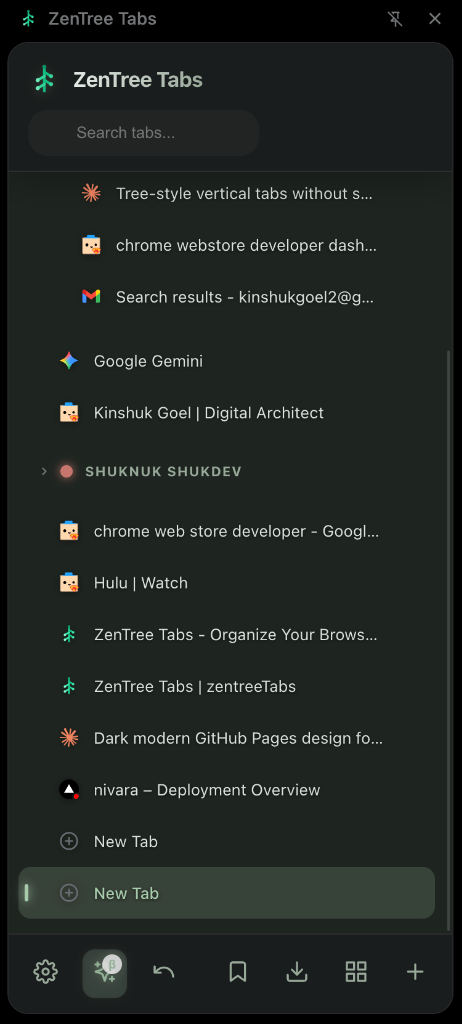
Chrome's tab bar is a disaster. 47 tiny rectangles. Good luck finding anything.
Organize your browser tabs efficiently with tree-based hierarchy and AI-powered grouping.
Everything you need to manage tabs like a pro. Built for developers, researchers, and power users.
ZenTree features a built-in AI assistant that helps you to categorise and group all your tabs.
Our engineering choice to use MiniLM (Small Language Model) running via WebAssembly (WASM) ensures high-performance inference without compromising security. Read Technical Docs →
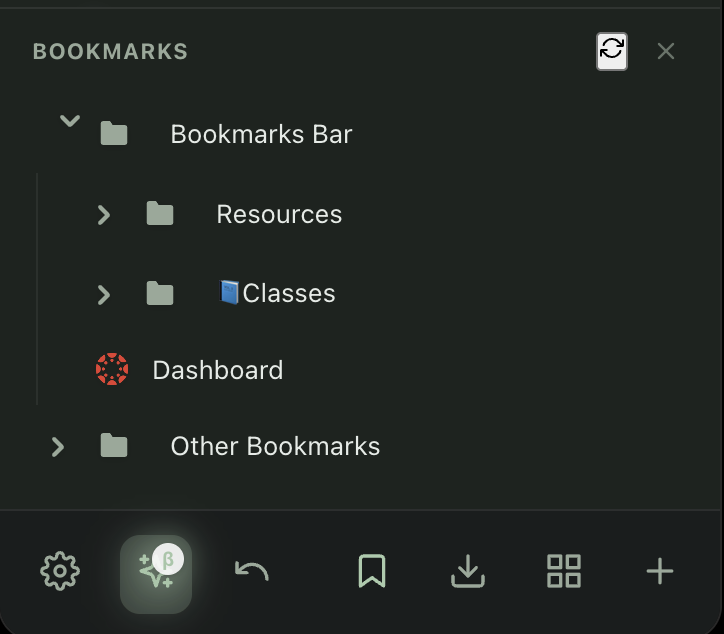
Access your bookmarks and Chrome tab groups right within the extension. No more switching between different browser interfaces.
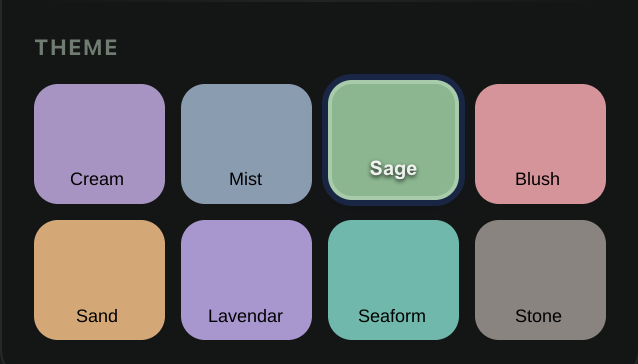
Choose from 8 beautiful pastel themes with full light and dark mode support. Make your sidebar match your style and reduce eye strain.
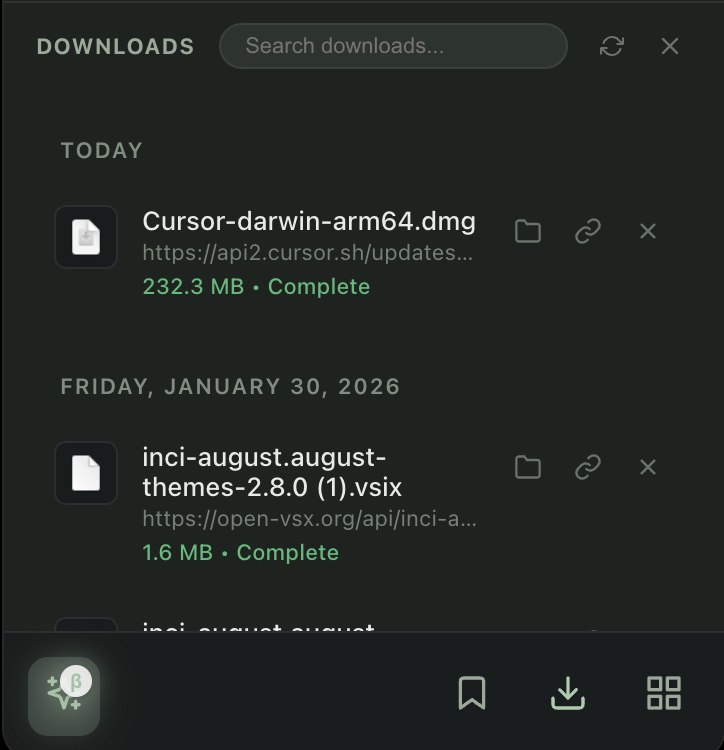
Manage your downloaded files directly from the sidebar. View recent downloads, open files, and clear completed downloads without leaving your workflow.
Instantly find any tab by title or URL. No more hunting through dozens of tabs.
Multi-select with Ctrl/Cmd+Click, range select with Shift+Click. Built for power users.
Tabs organize into tree structure based on how you opened them. See relationships at a glance.
Double-click any tab to rename it. Perfect for organizing research or project tabs.
Install the stable version from the Chrome Web Store, or try the upcoming v3 manually.
* v3.1 (with AMOLED theme & configurable thresholds) is pending review.
Clone or download from GitHub
git clone github.com/shuknuk/zentreeTabs
Navigate to
chrome://extensions/
Toggle on and click "Load unpacked"
Choose the folder with manifest.json